
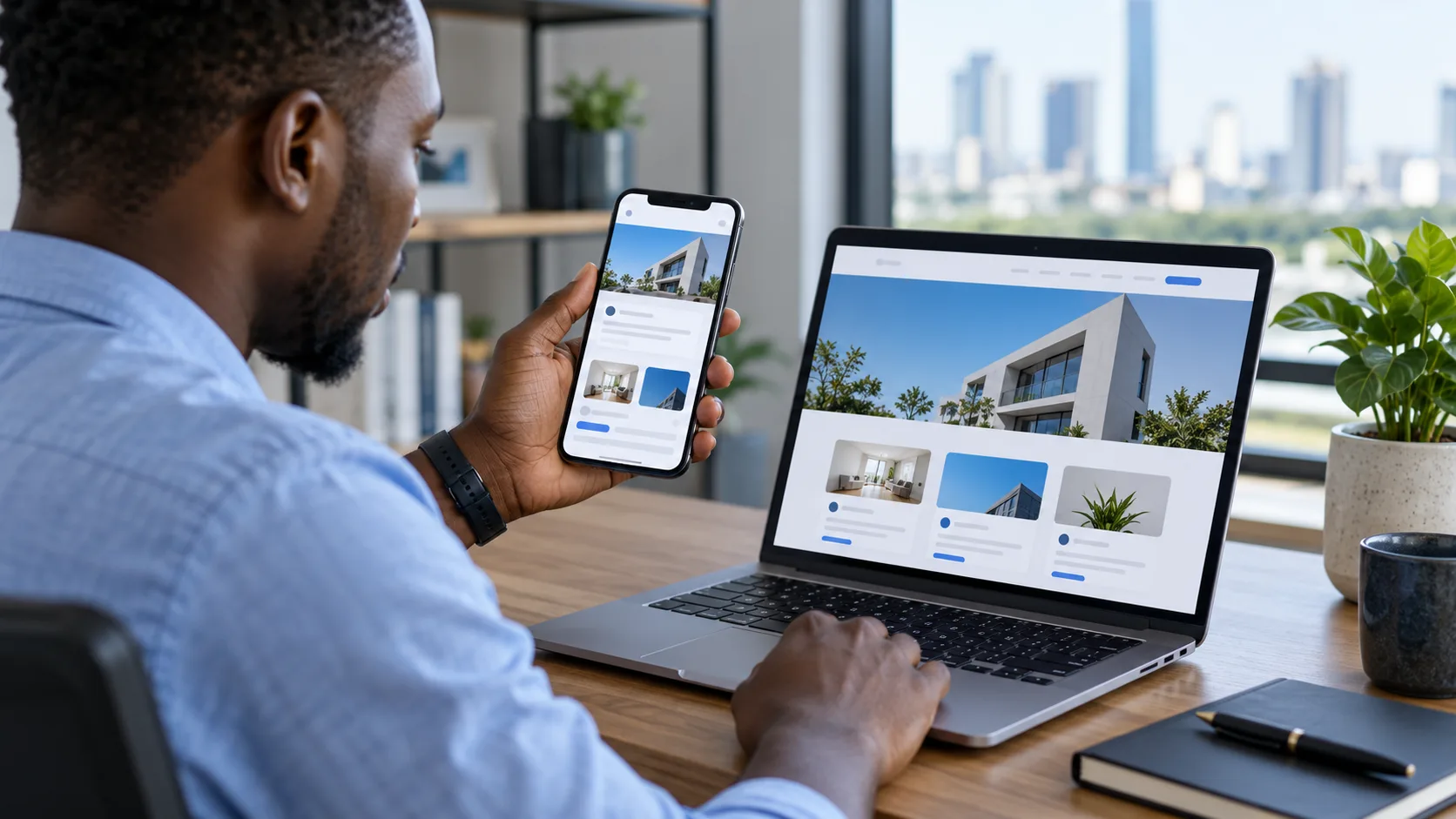
 01Web design
Readable type, comfortable buttons, and focused pages make mobile visits less frustrating.
Keep the first screen focused
On a small screen, visitors see only a little at a time. Put the page title, a short explanation, and the main action near the top. Avoid forcing people to scroll past a large image before they learn what you offer.
Design for touch
Give buttons enough space to tap and keep them away from each other. Forms should use suitable input types, clear labels, and short instructions.
- Check that text remains readable without zooming.
- Make images fit without stretching.
- Test navigation and forms with one hand.
Test real tasks
Try to find a product, request a quote, and contact the business from your phone. If those tasks take too many steps, simplify the path before adding new features.
Prioritise speed and clarity
A phone connection may be slower or less stable than the connection used during development. Use appropriately sized images, avoid unnecessary effects, and keep the first screen focused on the visitor’s task. A page that looks impressive on a large monitor can feel cramped on a phone if text, navigation, and calls to action compete for space.
Check forms in real conditions
Try completing every important form with a thumb, on a real device, and with a weak connection if possible. Labels should remain visible, errors should say what to fix, and the submit button should be easy to reach. Use an email keyboard for email fields and a number keyboard where numbers are required. After submitting, show a clear result so people do not send the same request twice.